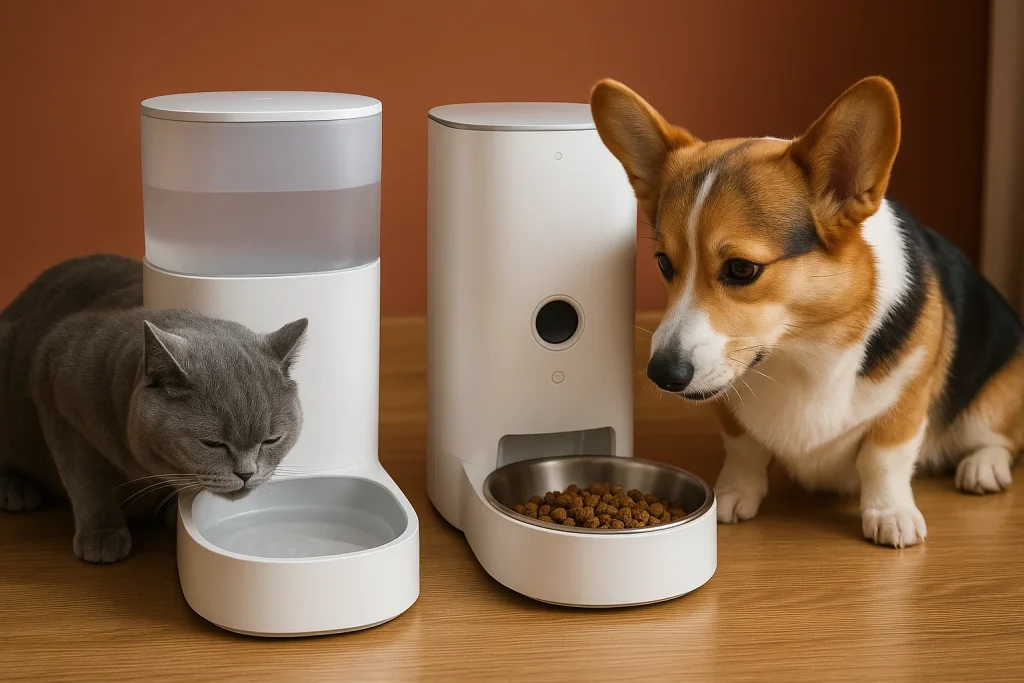
There’s a small kind of comfort when you check your pet camera and see your dog sleeping in a sun patch or your cat strolling across the living room. But sometimes the screen stays black, or the app shows an error you didn’t expect.
Moments like these remind us that even helpful tools have their own moods. And with a bit of calm troubleshooting, most issues untangle faster than we imagine.
This guide gently walks you through common pet camera troubleshooting steps, blending practical fixes with an understanding of why these hiccups happen.
📡 Why Smooth Connection Matters
Your pet camera is more than a device—it’s a way of staying close. A check-in during lunch. A sense of reassurance when your pet is alone. A way to notice small habits you might otherwise miss.
When the camera freezes or the app won’t sync, the connection between you and your pet feels interrupted. Understanding what causes these moments helps you restore that quiet line of presence more easily.
🔍 The Most Common Pet Camera Problems
Below are the issues pet owners experience most often, woven with clear, steady steps to help you move through them.
1. WiFi Drops or Weak Signals 📶
A huge portion of wifi connection issues happens when the signal simply can’t reach the camera well.
- Try moving the router slightly closer or elevating it.
- Check if other devices in the same room struggle too.
- Restart the router—gentle, simple, surprisingly effective.
According to the ASPCA’s general home safety recommendations, maintaining stable connectivity supports consistent monitoring, especially for pets who show separation-related stress.
2. App Won’t Sync With the Camera 📱
App sync pet cam fix steps usually involve:
- Logging out and back into the app
- Ensuring your phone’s OS and the camera app are updated
- Resetting Bluetooth or WiFi on your phone briefly
- Re-pairing the device if needed
Most sync problems aren’t failures—they’re just tiny mismatches between software versions or network permissions.
3. Video Is Blurry or Slow 🌀
This often happens when:
- The camera lens has smudges (nose prints are a common culprit)
- The stream is defaulting to low resolution due to bandwidth limits
- The device is positioned toward bright windows
A quick lens wipe and small angle adjustment often brings clarity back.
4. Night Vision Not Working 🌙
Infrared sensors can be sensitive.
- Check whether an object is blocking the IR lights.
- Ensure the room isn’t too bright, which can confuse auto-switching.
- Restart the device to recalibrate the mode.
5. Camera Not Rotating or Tracking 🐾
Pets move. A lot.
If the rotation freezes:
- Turn off tracking and re-enable it
- Reboot the device
- Make sure the camera isn’t physically obstructed
- Confirm tracking mode is compatible with your pet camera model
🛠️ How to Choose the Right Fix
Different problems call for different levels of patience.
- Start with the simplest: restart, reposition, refresh.
- Move to deeper checks only if the basics don’t work.
- Keep the focus on reconnecting—not correcting—so the process stays calm and manageable.
🔐 Safety and Use Rhythm
A pet camera is part of your home’s digital ecosystem.
A few gentle habits help keep things steady:
- Reset the router occasionally
- Avoid placing cameras near microwaves or dense walls
- Review privacy settings once in a while
- Keep the device on a stable shelf away from curious paws
These small routines protect both your data and your peace of mind.
❓ FAQ
Q: Why does my pet camera disconnect randomly?
A: Most disconnects relate to weak WiFi zones. Repositioning the router or the camera usually helps.
Q: How do I fix app sync issues?
A: Try updating the app, refreshing your phone’s connection, or re-pairing the camera.
Q: My video quality keeps dropping. What should I check?
A: Look for lens smudges, bright backlighting, or limited bandwidth.
Q: Why won’t night vision turn on?
A: Bright ambient light or blocked IR sensors often cause this. A quick reset can help the device recalibrate.
Q: Does tracking malfunction mean the camera is broken?
A: Not usually. Restarting the device or clearing obstructions often restores normal tracking behavior.
🌙 A Quiet Closing
Troubleshooting isn’t about perfection. It’s about finding your way back to a clear window into your pet’s world.
Once the camera settles into its rhythm again, you return to those small, reassuring glimpses—soft paws, gentle breathing, and the quiet life happening at home while you’re away.