Pet Camera Setup & Maintenance Guide 2025: Fast Installation, Safe Placement, and Pro Tips for Smooth Performance
Setting up and caring for your pet camera should be effortless. With a few simple steps and consistent upkeep, you’ll ensure crystal-clear footage, stable connectivity, and years of reliable companionship.
1. How Long Does Setup Take and What Speed Is Required?
Most modern pet cameras are plug-and-play, taking only 10–20 minutes to set up. You’ll need:
- A smartphone with the brand’s app
- A stable Wi-Fi connection
- A nearby power outlet
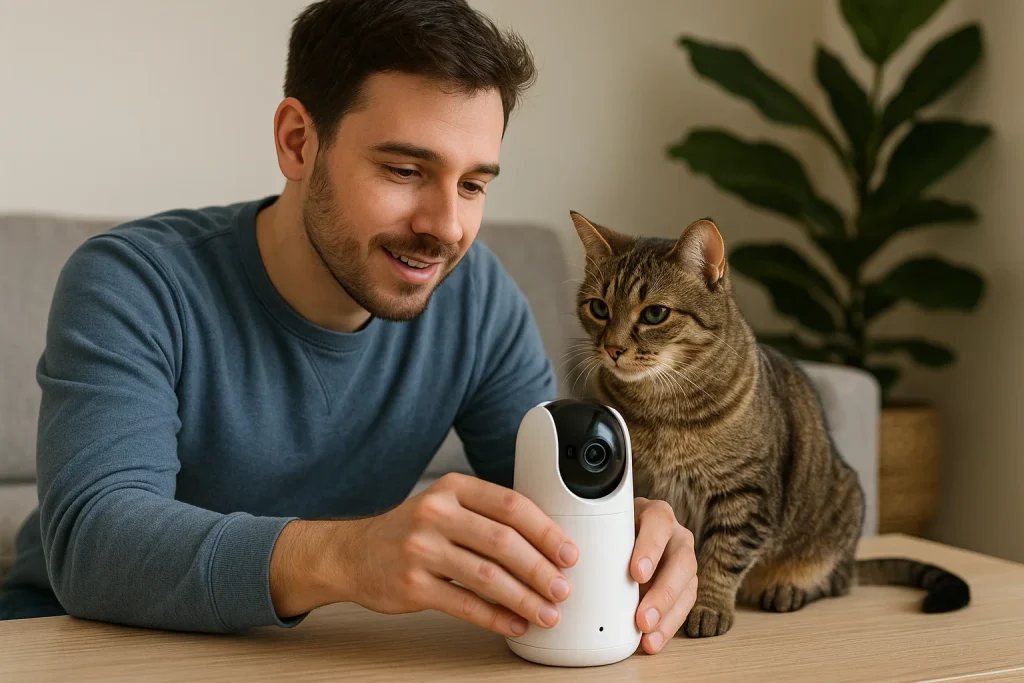
Simply plug in, connect via the app, and name your device. Models like Eufy Pet Camera or Furbo 360 provide seamless, step-by-step instructions.
Speed Recommendation:
While 2 Mbps upload is the minimum for smooth 1080p streaming, aim for 3 Mbps or higher to maintain stable 2K video and reliable two-way audio.
Industry Insight: As of 2025, more than 80% of pet cameras support app-based pairing and automatic troubleshooting, making setup easier than ever.
2. Where Is the Optimal Placement for Visibility and Accuracy?
Strategic placement determines how well your camera performs.
| Pet Type | Ideal Location | Avoid |
|---|---|---|
| Dogs (Active) | Near beds, doors, or play zones | Direct sunlight, reflective surfaces |
| Cats (Climbers) | Higher shelves or corners for full-room view | Vents, unstable furniture |
Critical Pro Tip: Avoid placing cameras near heat vents or AC units. Sudden airflow changes are a leading cause of false motion alerts.
3. How Do I Maintain the Device and Update Firmware?
Routine care keeps both your image quality and digital security strong.
- Clean Weekly: Wipe the lens (and treat dispenser, if included) with a microfiber cloth.
- Update Monthly: Check the app for firmware or software updates every 2–4 weeks. Updates improve AI accuracy, night vision, and cybersecurity.
- Restart After Major Updates: Ensures new code loads properly and prevents lag.
Example: When Lisa postponed an update on her Wyze Cam, lag appeared in her live feed—one restart restored perfect performance.
4. What Accessories Improve Safety and Usability?
Smart add-ons make daily use safer and smoother.
- Cable Protection: Use wall mounts or cord covers to prevent chewing or unplugging.
- Mounting: Tripods and wall mounts provide stable, adjustable angles and better AI motion tracking.
- Storage: Add an SD card or cloud plan for longer recording time.
Pro Insight: Mounting cameras at shoulder height enhances both AI recognition accuracy and overall field coverage.
5. Can I Monitor Multiple Pets on One App?
Yes—multi-camera and multi-user viewing are standard in 2025.
You can label feeds (e.g., “Living Room,” “Backyard,” “Cat Tower”) and share access securely with family or pet sitters.
Furbo, Eufy, and Petcube all allow real-time switching and simultaneous logins.
Example: Jenny monitors her two dogs and cat across three cameras: “It feels like a live family channel—comforting and fun.”
Summary: Quick Setup & Care Checklist
| Step | Frequency | Key Action | Result |
|---|---|---|---|
| Initial Setup | Once | Check upload speed | ≥ 3 Mbps for 2K stability |
| Placement | Once | Aim near resting spots, avoid heat | Balanced coverage |
| Lens Cleaning | Weekly | Use microfiber cloth | Clear, sharp video |
| Firmware Update | Monthly | Update and restart | Improved AI + security |
| Safety Check | Weekly | Secure cables and mounts | Safe, reliable operation |
A little maintenance builds big trust—both with your device and your pet.