What’s the Ideal Layout for Cameras, Feeders, and Sensors? (2025 Guide to Smart Pet Home Design & IoT Integration)
A truly smart home for pets blends technology with empathy.
The best layouts aren’t about gadgets—they’re about comfort, visibility, and rhythm. Here’s how to design a connected environment that feels safe, seamless, and calm for your pet.
1. What’s the Ideal Layout for Cameras, Feeders, and Sensors?
An ideal smart pet layout balances monitoring precision with emotional comfort.
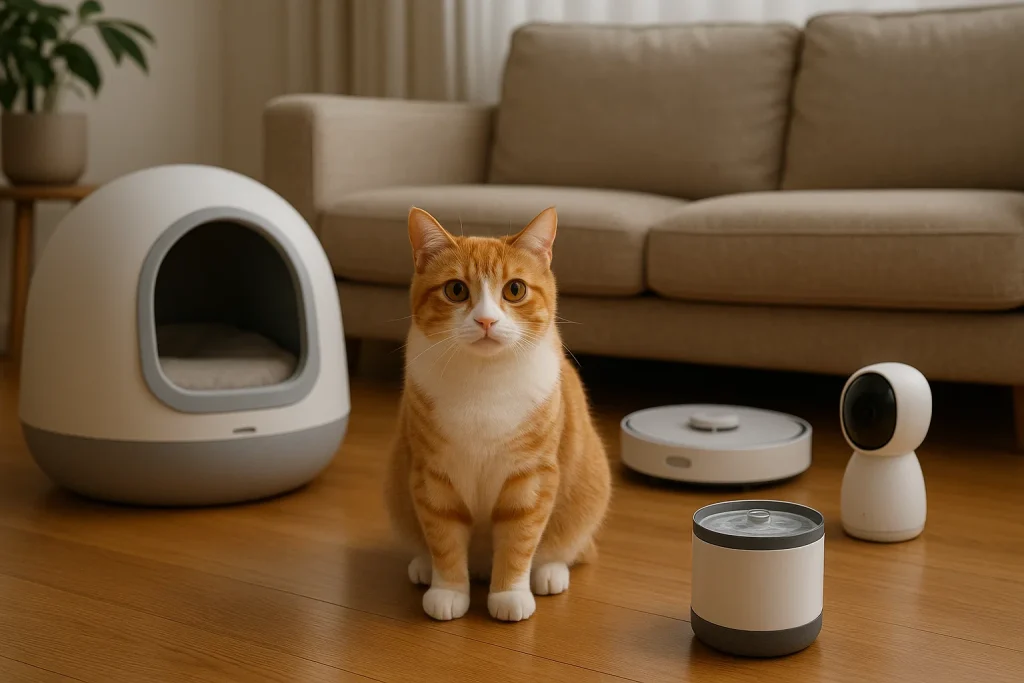
- Cameras: Cover key zones—feeding areas, rest spots, and litter spaces—but avoid aiming directly into your pet’s primary sleeping area to preserve privacy.
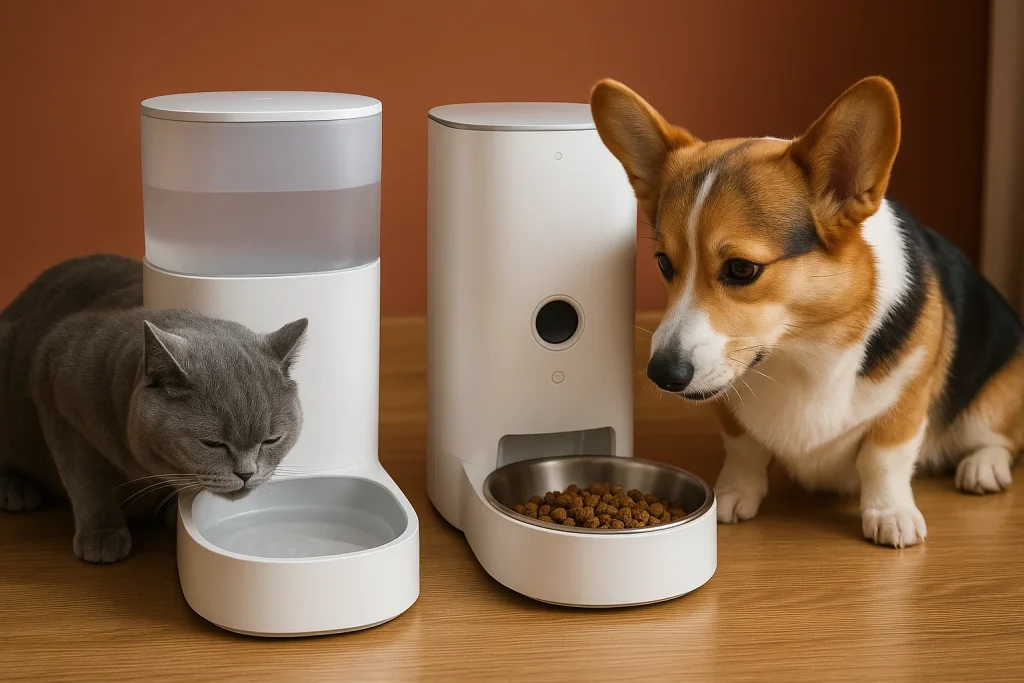
- Feeders: Position near the water source for natural flow, away from direct sunlight or noisy appliances to encourage relaxed eating.
- Motion Sensors: Install low, around baseboard level, to detect small movements without triggering on human traffic.
When Olivia set up her apartment for two cats, she placed an Eufy Pet Cam 2 near the sofa, a PETKIT Feeder by the kitchen, and a temperature sensor near their favorite window perch.
The result: a home that quietly cared, even when she wasn’t there.
2. Which Brands Offer Compatible Ecosystems?
Compatibility means less clutter, fewer apps, and more harmony.
Core Platforms:
-
Tuya Smart, SmartThings, and Google Home offer the broadest cross-brand integration.
Compatible Devices:
-
PETKIT, Tractive, and Eufy products sync seamlessly with Alexa or Google Assistant.
Voice commands like “Alexa, show the living room camera” or “Feed Bella breakfast” create effortless routines.
When Marcus unified his feeder, camera, and air purifier through SmartThings, automation finally felt natural—not technical.
Unified control builds consistency, and consistency builds calm.
3. What Lighting or Temperature Devices Work Best with Pets?
Pets thrive on environmental stability. Smart lighting and temperature control protect their comfort and health.
-
Lighting: Smart bulbs (like Philips Hue or Govee Home) simulate sunrise and sunset to balance circadian rhythms—essential for indoor pets.
-
Temperature: Devices such as Nest Thermostat or Sensibo Air can auto-adjust heating or cooling via smart plugs or weather-based routines.
When Ella’s senior dog developed joint stiffness, she automated her heated bed to turn on 30 minutes before dawn.
Warmth, she learned, is a quiet language of care.
4. How Can I Monitor Pets Remotely While Traveling?
Remote monitoring provides peace of mind when life pulls you away.
Multi-Sensory Check-ins: Cameras like Furbo 360 or Eufy Pet Cam enable live video, treat toss, and two-way talk.
Proactive Alerts: Pair them with trackers like Fi Smart Collar to detect abnormal activity or elevated heart rate.
When Jonathan traveled abroad, his voice played automatically through the camera at feeding time.
Distance didn’t diminish affection—it just rerouted it through Wi-Fi.
Smart connection turns distance into presence.
5. How Much Does It Cost to Build a Smart Pet Ecosystem?
Building a connected pet home is scalable—start small, expand naturally.
| Ecosystem Level | Key Components | Estimated Cost (USD) |
|---|---|---|
| Starter (Essential) | 1 Smart Feeder, 1 Camera (2-Way Talk), 2 Smart Plugs | $300 – $500 |
| Advanced (Environmental) | Starter Kit + Smart Lighting, Thermostat/AC Controller, Air Purifier | $800 – $1,200 |
Ongoing Costs: Cloud storage, GPS subscriptions, or AI monitoring average $5–$15/month.
The true value isn’t convenience—it’s the quiet confidence that your home thinks about your pet, even when you can’t.
The Future of Smart Pet Home Design
In 2025, AI-driven home automation is evolving from command-based to context-aware care.
Homes are learning to adapt dynamically—feeding, lighting, and warming in rhythm with a pet’s real behavior.
Choose devices that listen more than they act, that comfort rather than control.
Smart design doesn’t just respond—it cares.